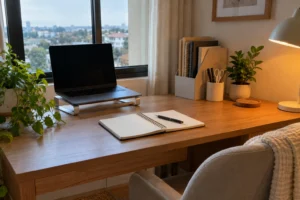

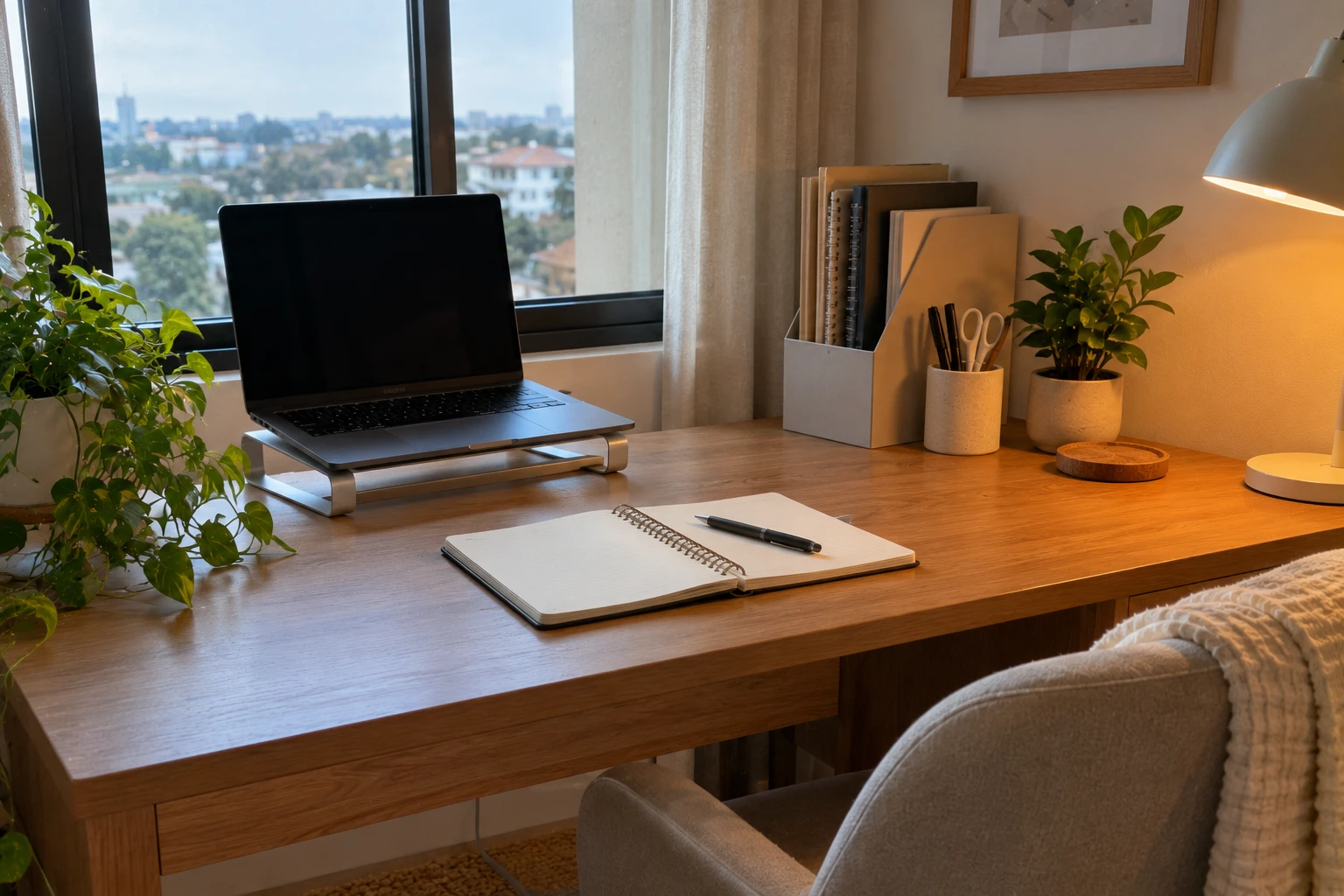
Most desks don’t need more organizers. They need fewer things on them. The home office desk organization ideas below are built around that: a clear space for the work in front of you, daily supplies within easy reach and one obvious place for anything unfinished. If you’ve ever bought a matching desk set and watched it fill with clutter within a week, you already know storage alone doesn’t fix much.
Here’s where I’d start: notice the one item you keep pushing aside to make room. That’s your desk telling you what’s wrong. Fix that first, then work through the rest in order. Most of these take less than an hour.
This article contains affiliate links. As an Amazon Associate I earn from qualifying purchases.
1. Divide the desk into three zones
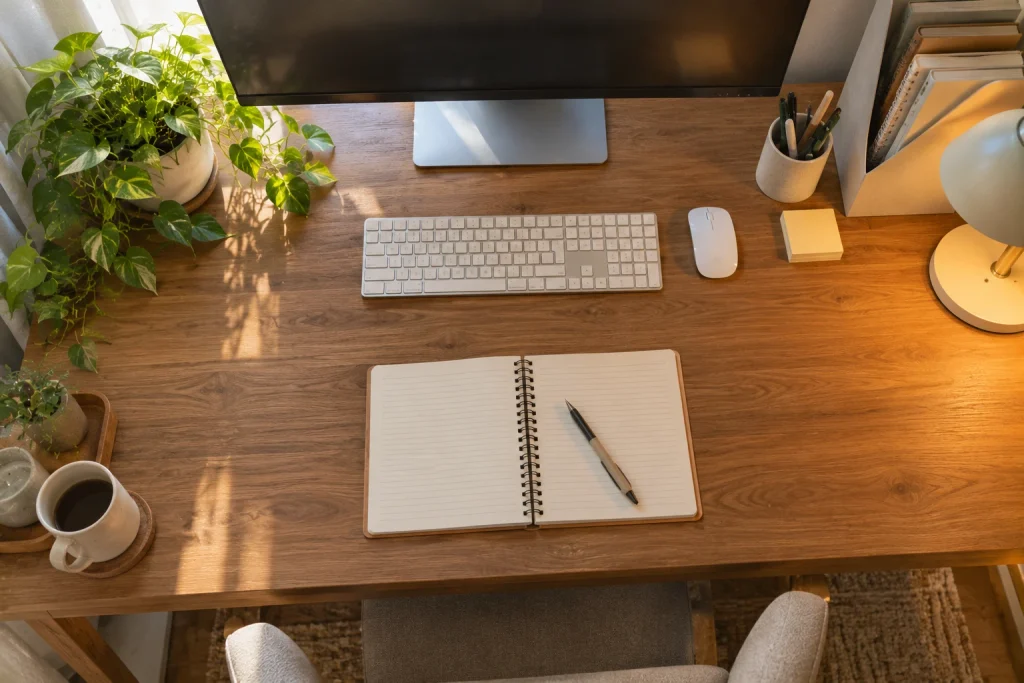
Before buying anything, sit at the desk and notice how far you can comfortably reach without leaning. That reach decides where things should live. Think of the surface in three zones:
| Zone | Where it is | What belongs there |
|---|---|---|
| Work zone | Directly in front of you, roughly the width of your shoulders | Keyboard, mouse, the notebook or document you’re using now |
| Reach zone | Within a relaxed arm’s reach, about 14–20 inches (35–50 cm) from the edge | Pens, sticky notes, phone, a drink on a coaster |
| Outer zone | Back corners and anywhere you have to stretch | Lamp, plant, file holder, things you use once a day or less |
Keep the work zone large enough for the task you actually do. Someone who edits documents needs a different surface from someone sketching on paper or sorting receipts. If you use a laptop for long stretches, a stand or a stack of books under it plus a separate keyboard frees space and lets you set the screen near eye level, about an arm’s length away.
Place drinks on the side of your non-writing hand, away from the laptop, so an elbow is less likely to tip them toward electronics. Then do a real task: open the notebook, use the mouse, reach for the document you need. Any container you have to move every time hasn’t earned its spot. Be ruthless here; this one test clears more space than any organizer you could buy.
2. Separate cable slack from the working surface
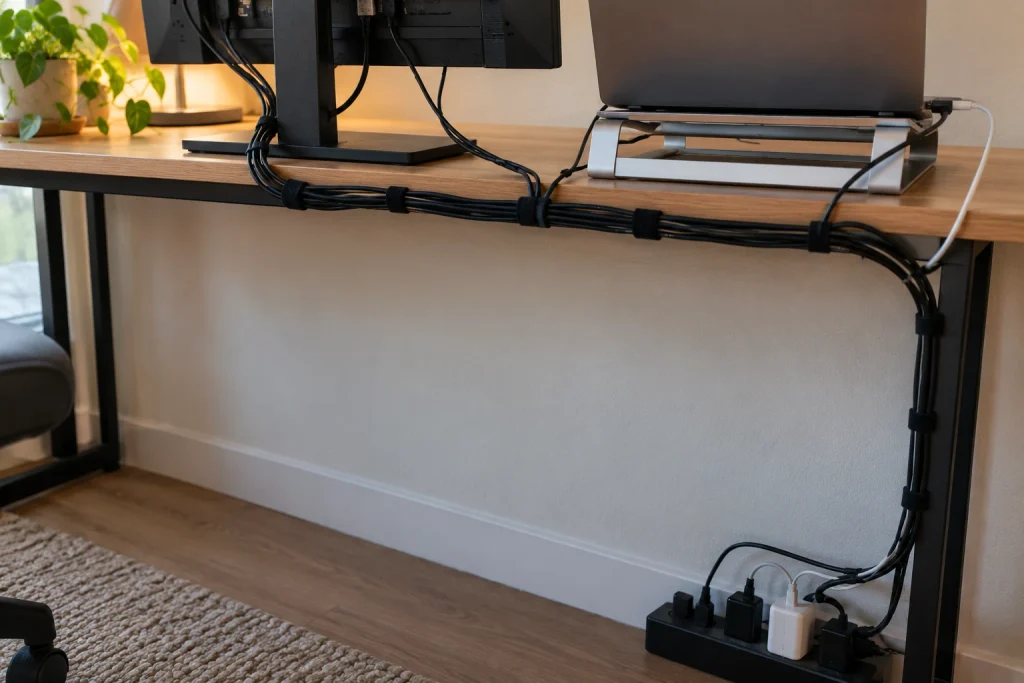
Follow each cable from the device to its outlet before bundling anything. Unplug and remove cords for devices you no longer use; most desks collect at least one. Leave enough slack at each device so it can move as intended, and keep cables out of walking routes and away from chair wheels.
My favorite fix here is boring but effective: VELCRO Brand ONE-WRAP cable ties (paid link). They’re reusable, so you can reopen a bundle when you add or swap a device, which zip ties won’t let you do. Wrap them gently. Don’t cinch cables tightly, hang a power strip by its cord, or hide plugs where you can’t inspect them.
- Route cables along the back edge of the desk and down one leg, so they come off the surface in one place.
- Keep the power strip on the floor or mounted where it stays dry and ventilated, not buried under papers or a rug.
- Label similar chargers near the plug end with a small removable tag, so you unplug the right one.
- Leave one free charging cable in the reach zone for your phone instead of stretching a short cord across the desk.
One thing I’d skip: cable boxes that seal a power strip away completely. Chargers and strips need air, so follow their load and ventilation guidance instead of hiding them.
3. Sort paper by its next action
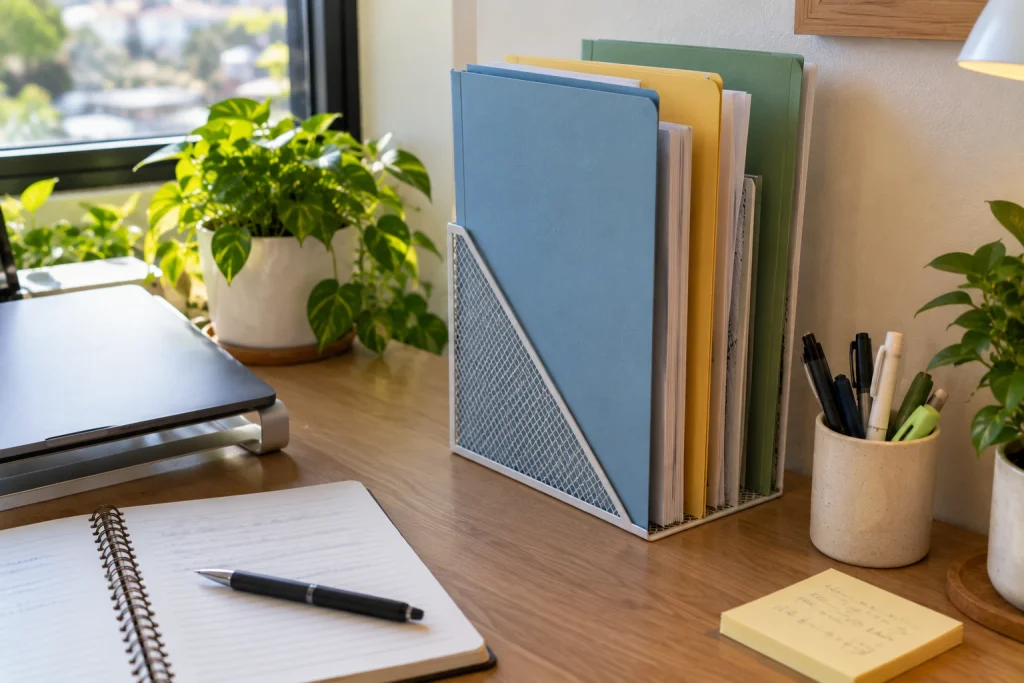
Instead of one stack called “paperwork,” separate papers by what needs to happen next. Three folders cover most home offices:
- Action: things you need to do something with, such as a bill to pay or a form to sign.
- Waiting: things on hold until someone replies or a date arrives.
- File: finished papers you need to keep but won’t touch again soon.
Use folders you already have while you test the system, and stand them upright in the outer zone so they don’t spread across the desk. Write the next step and a date on a sticky note on anything in Action or Waiting, so you don’t have to re-read the whole document every time you pick it up.
Honestly, the folders are the easy part. The habit is what makes them work. Check Waiting once a week, and empty File into long-term storage when it gets thick. Keep sensitive documents out of casual view and shred them when you no longer need them. An open decorative tray isn’t the place for bank statements.
4. Keep only daily tools within arm’s reach
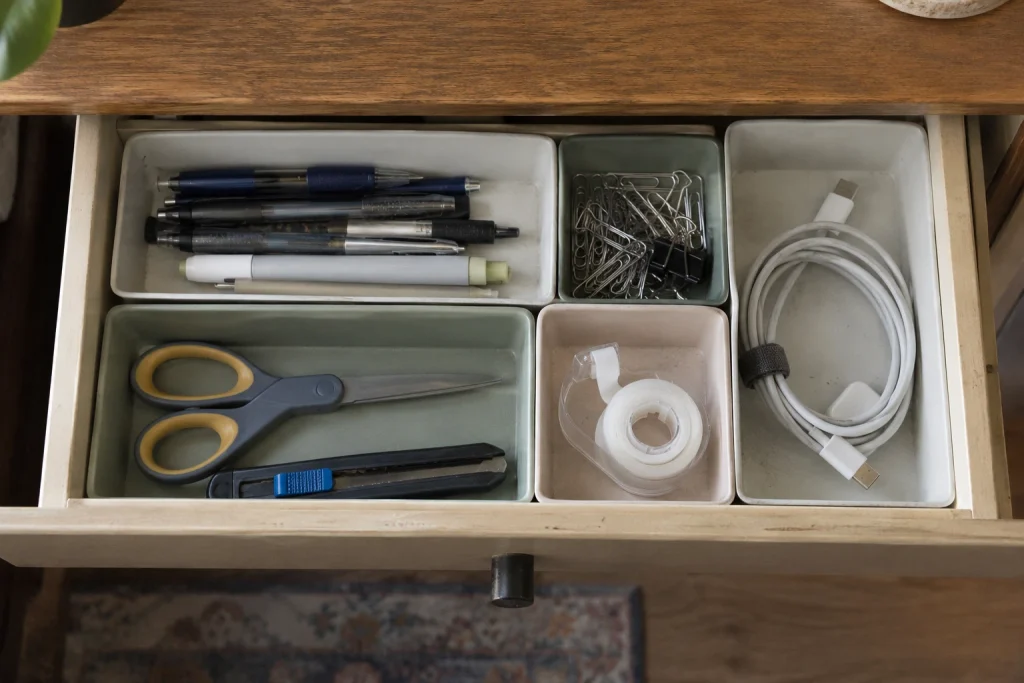
Gather everything you used in the last few workdays. Pens, scissors, a calculator or sticky notes may deserve a spot in the reach zone. Duplicate pens, spare chargers and supplies for occasional projects can live in a drawer or on a shelf.
Test every pen before putting it back; you’ll probably throw out half of them. A cup full of dried-out markers looks ready but slows you down when you need to write. Use one small container and let its size set the limit: if it’s full, something has to go before anything new goes in.
If you have a drawer, match the storage depth to the object:
- Shallow drawers: small trays for pens, clips, tape and earbuds, so they don’t migrate.
- Deep drawers: chargers, a notebook stack or a box of envelopes; put small items in a lidded box near the top so they don’t sink.
- No drawer: a small caddy or shelf beside the desk keeps supplies off the work surface.
Choose dividers based on the objects, not on how many compartments a set includes. A reused shallow box is often enough to start.
Give headphones and bags a home off the desk
Large items take over the surface faster than stationery. Decide where headphones go when you take them off and where your work bag rests when you arrive. A stable headphone stand, an existing shelf or a hook on the side of the desk all work. If you add a hook, check the surface, the installation instructions and the weight limit, and don’t hang a heavy bag from a thin desk edge. Keep the floor under the desk clear so you can move your feet and roll the chair freely.
5. Make a shared desk easy to switch
If more than one person uses the desk, give each person a portable folder or small box for their own materials, and keep shared basics such as pens, a stapler and chargers in one common spot. The next person shouldn’t have to sort through someone else’s piles to start working.
Agree on a minimum reset: clear the work zone, return shared tools and put personal papers in your own box. Leave the chair and screen easy to adjust, since the same height rarely suits two people. A dining table used for work needs an even simpler version: one carrier that holds everything, packed before meals and stored where it’s easy to grab the next morning.
If your desk sits in a bedroom and doubles as a nightstand, these small bedroom layout ideas show how to keep work materials from taking over the bedside.
6. End each day with a five-minute reset
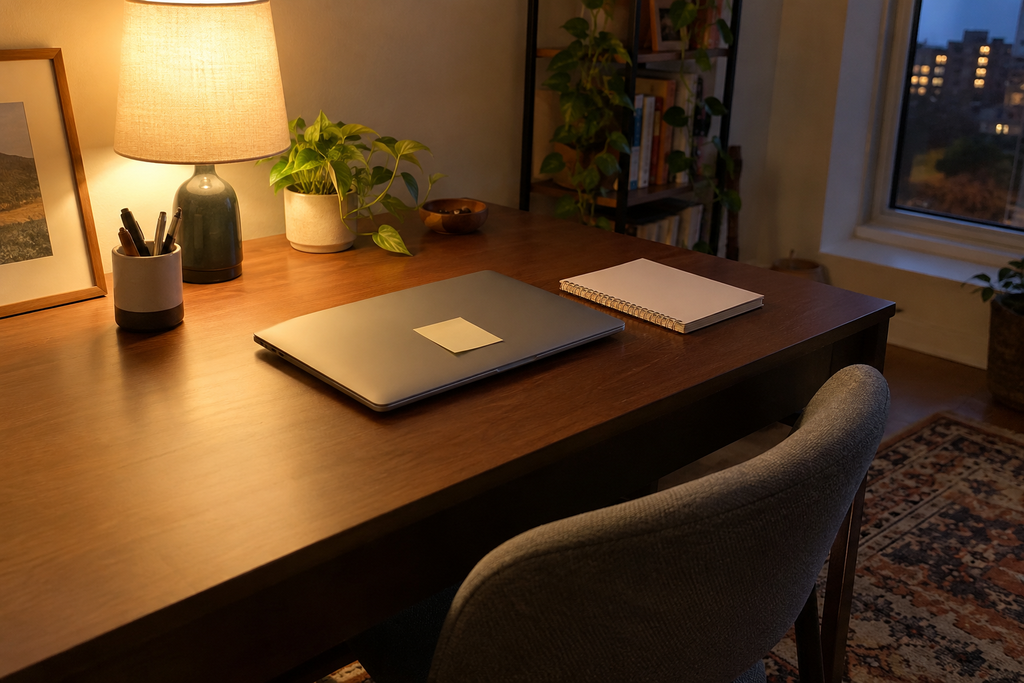
Before you leave the desk, write down the next concrete action for the task you’ll pick up tomorrow. “Check the figures in section 2” is far more useful than “finish report.” Put the related document in your Action folder and close everything unrelated.
Then use this short checklist:
- Clear the work zone completely.
- Return pens, scissors and chargers to their spots.
- Take cups and dishes to the kitchen.
- Drop new papers into Action, Waiting or File.
- Leave the restart note where you’ll see it first.
This should take about five minutes, not turn into a deep clean. If it regularly takes longer, there are too many things living on the surface, or your categories are too complicated. Simplify one of them.
For evening work, the glare checks in these cozy lighting ideas help you set up a lamp that lights the page without reflecting off the screen. Keep the room bright enough to see clearly rather than so dim that the desk is hard to use.
If you only try one idea from this list, make it the restart note. It’s the smallest change here and the one that makes Monday mornings noticeably easier. And don’t worry about keeping the desk spotless while you work. An organized desk is one that’s easy to start at, not one that stays empty.